Every error message, why it happens, and step-by-step resolution guides.
12 · Troubleshooting
Every notable message you might meet, what it means, and what to do.
Search
"Server Busy or No Results — Please use an API key for more reliable searches, or try again later."
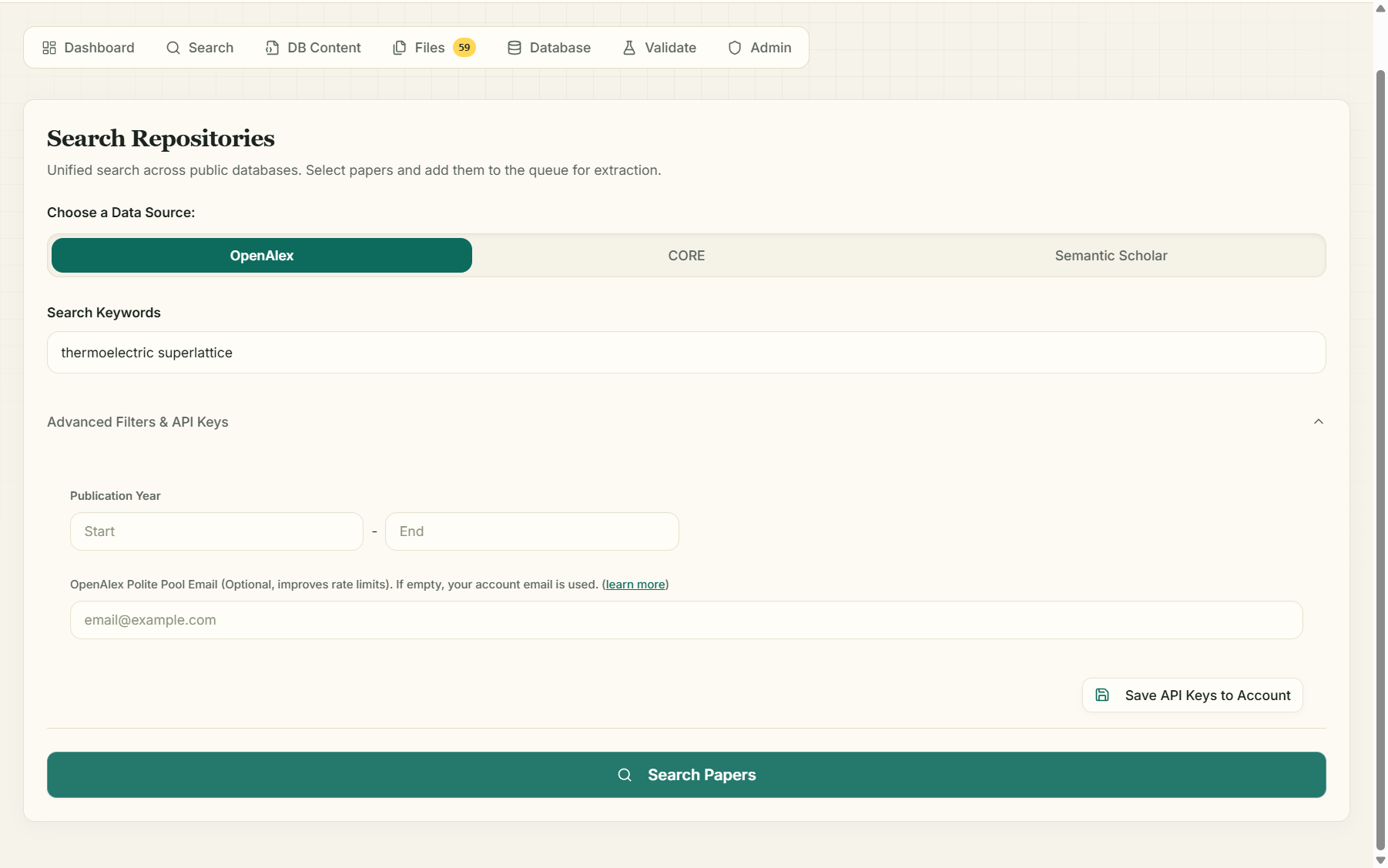
The public repository (OpenAlex / CORE / Semantic Scholar) throttled the request or returned nothing usable. In order of effectiveness:
- Wait a minute and retry — repository rate limits are often temporary (OpenAlex sometimes throttles all anonymous searches during peak load).
- Add your (free) API key in Advanced Filters & API Keys — keyed requests bypass the shared anonymous pool. For OpenAlex, add your email as the polite-pool address.
- Try another source — the three repositories index different corpora and fail independently.
- Remember only papers with an open-access PDF are shown — a very narrow query on paywalled literature can legitimately return zero.
"The query is limited to 5 keywords. Please use keywords, not full sentences."
Shorten the query to its essential terms: perovskite stability humidity, not "papers about the stability of perovskite solar cells under humidity".
Files & verification
Paper marked ❌ failed / "Some files are not verified!"
The server couldn't fetch the PDF (paywall, bot-blocking, dead link) or the file was under 15 KB (usually an error page). Fix: click 👁 to open the PDF yourself, download it, drag it into the Files-tab dropzone, delete the failed row. Only verified files are processed — failed rows are skipped, never guessed.
"File size is too small (…KB)" / "PDF parsing yielded minimal text. The file might be image-based or corrupted."
The first is a verification failure (see above). The second happens during processing when a PDF contains no extractable text — typically a scanned paper. Run OCR on the file (e.g. in Adobe Acrobat) and re-upload, or find a born-digital version.
Upload rejected
Only PDF files up to 20 MB are accepted.
Schema
"Please save your schema before processing files."
Go to DB Content → Save Schema. Processing always runs against a saved schema so your job's snapshot is unambiguous.
"The AI could not identify relevant parameters for this request."
Your description wasn't recognizable as a scientific database. Be specific: name the domain and the kinds of quantities — "A database of hypertension RCT outcomes: sample size, intervention, systolic/diastolic change".
"Suggestion Failed" (server error)
A transient server-side failure of the AI call. Retry in a minute; if it persists, use Send Feedback in the header — include the time it happened.
Credits
"Out of Credits" / "Insufficient credits. Required: X, Available: Y"
The action costs more than your balance. Earn free credits (profile +50, social share +50) or see Credits & pricing. Nothing is charged when an action is refused.
Processing
Job stuck on "Processing"
Papers process strictly one at a time, and large PDFs can take a while each. The Database tab refreshes automatically. If you believe it's genuinely stalled, press Stop, then Resume — only unfinished papers are re-charged. A job abandoned by a crashed worker is automatically stealable by a fresh worker after ~5 minutes, so restarts recover cleanly.
"Failed to process" on individual papers
Open the paper's View sheet to read the stored error (download failure, unparseable PDF, …). Fix the underlying file (usually: manual download + upload) and Resume the job.
Validation
"Validation Limit Exceeded"
A single validation run samples at most 20 papers. Lower the sample slider — statistically, a random 10–20% sample is enough to estimate accuracy.
"N Papers Skipped" during validation
The validator re-downloads each PDF; papers whose links died since extraction are skipped rather than silently failing.
"You can only re-investigate after modifying the schema."
The AI Judge already ruled on this paper's discrepancies. Change something (typically: accept schema improvements and save) before asking it to re-investigate.
Sharing
"This database is smaller than 10KB and cannot be shared publicly."
Free sharing needs at least 10 KB of extracted data — process more papers first.
"To list a database for sale, it must contain more than 50 papers with extracted data AND be larger than 50KB."
The marketplace's quality bar for premium databases. Keep extracting.
Still stuck? Click Send Feedback in the dashboard header — messages go straight to the development team — or email ebentria@hbku.edu.qa.
Back to: Documentation home