Public schema gallery, community data sharing, and listing golden databases.
9 · Sharing & the marketplace
Sci-database has a community layer: schemas are shared templates, and finished databases can be published to open science — or listed for sale.
The public schema gallery
sci-database.com/schemas lists every schema created on the platform, grouped by research category (Biology & Medicine, Chemistry & Materials Science, Physics & Engineering, Computer Science & AI, and ~25 more).
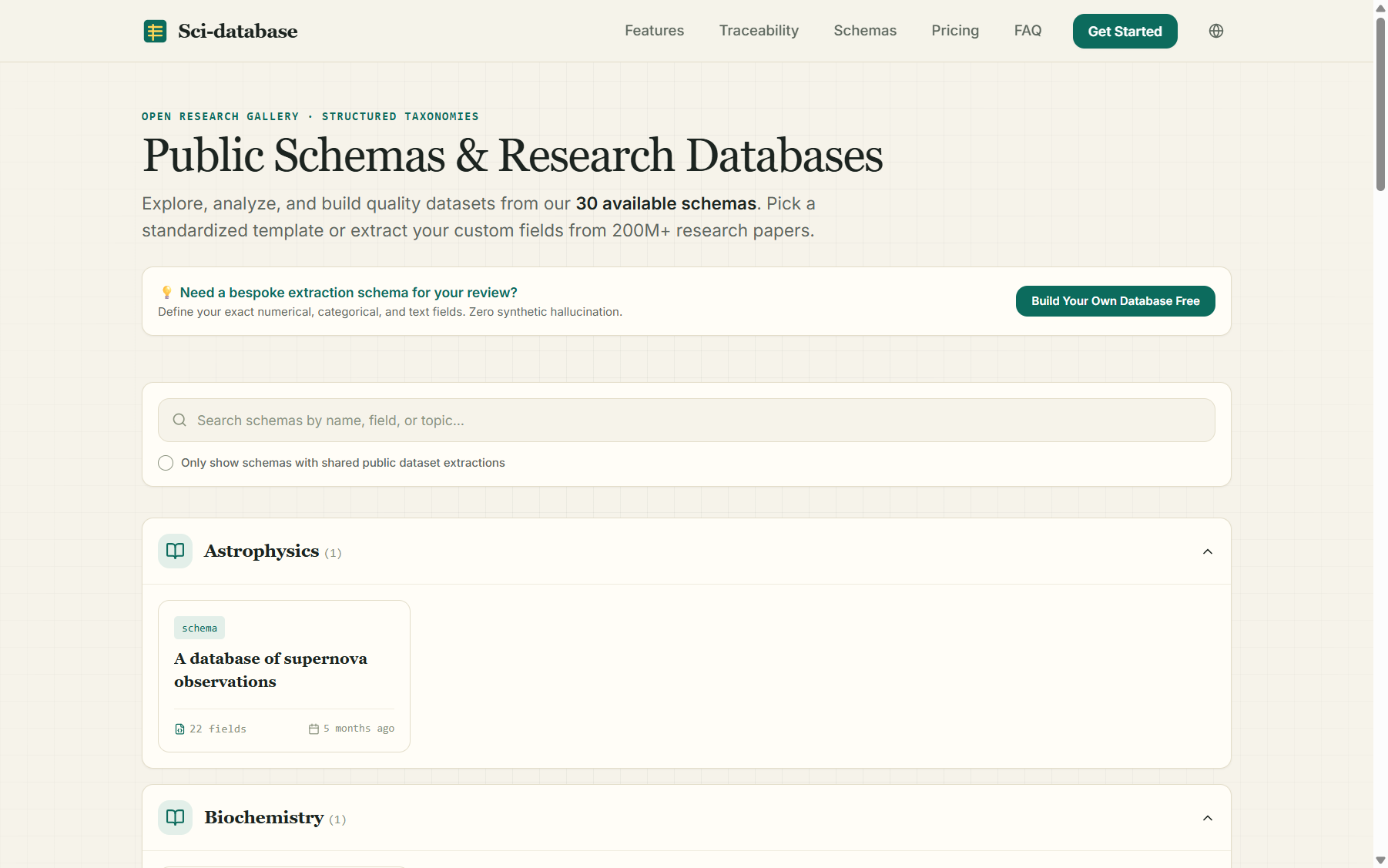
- Search by name, field, or topic.
- The "Only show schemas with shared public dataset extractions" checkbox filters to schemas that come with actual shared data.
- Cards with a green Public Data flag have a downloadable community dataset attached.
Each schema has its own public page with the complete field definition table:
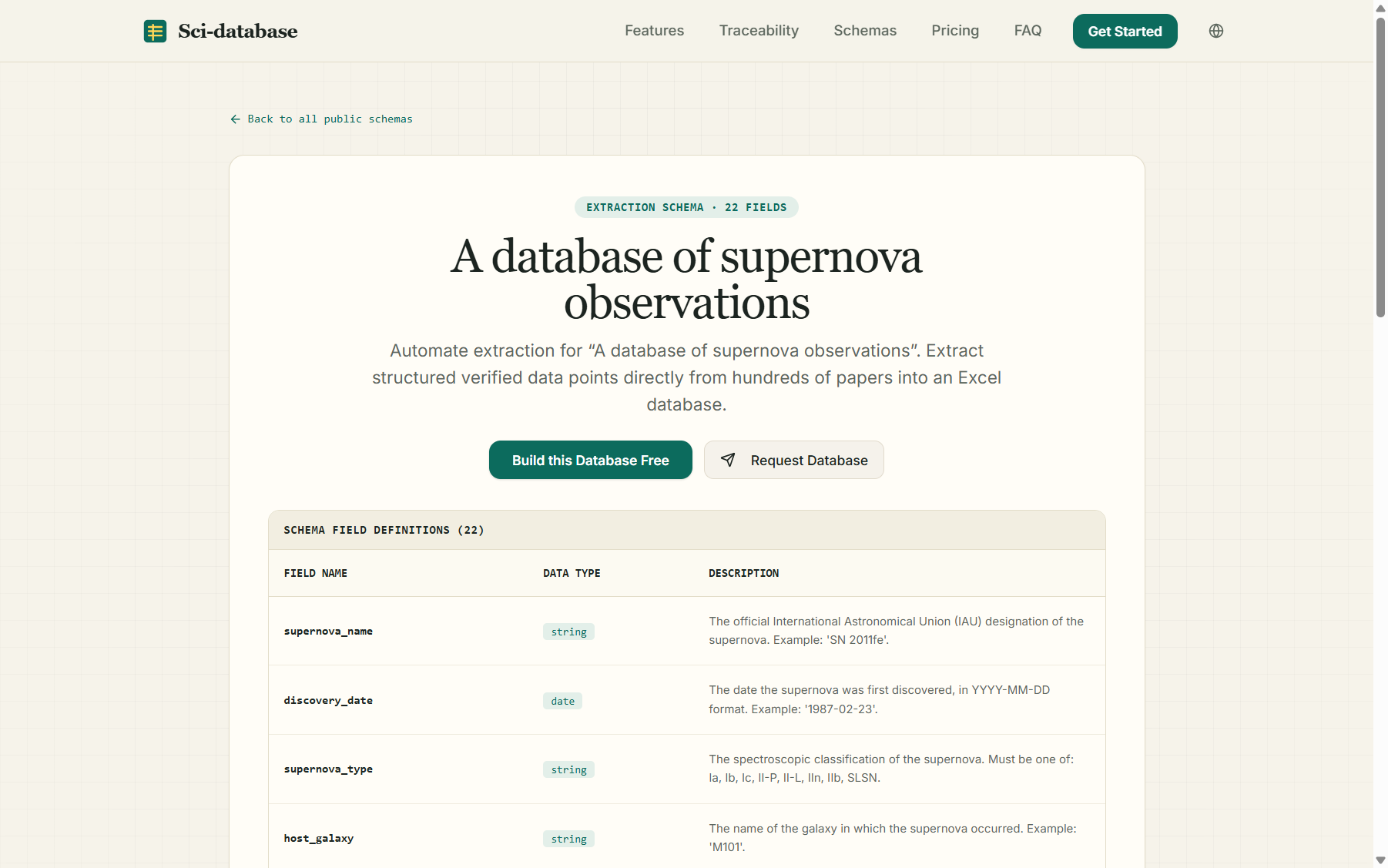
Two calls to action:
- Build this Database Free — clones this schema into your own account (after login) so you can run it on your own paper set.
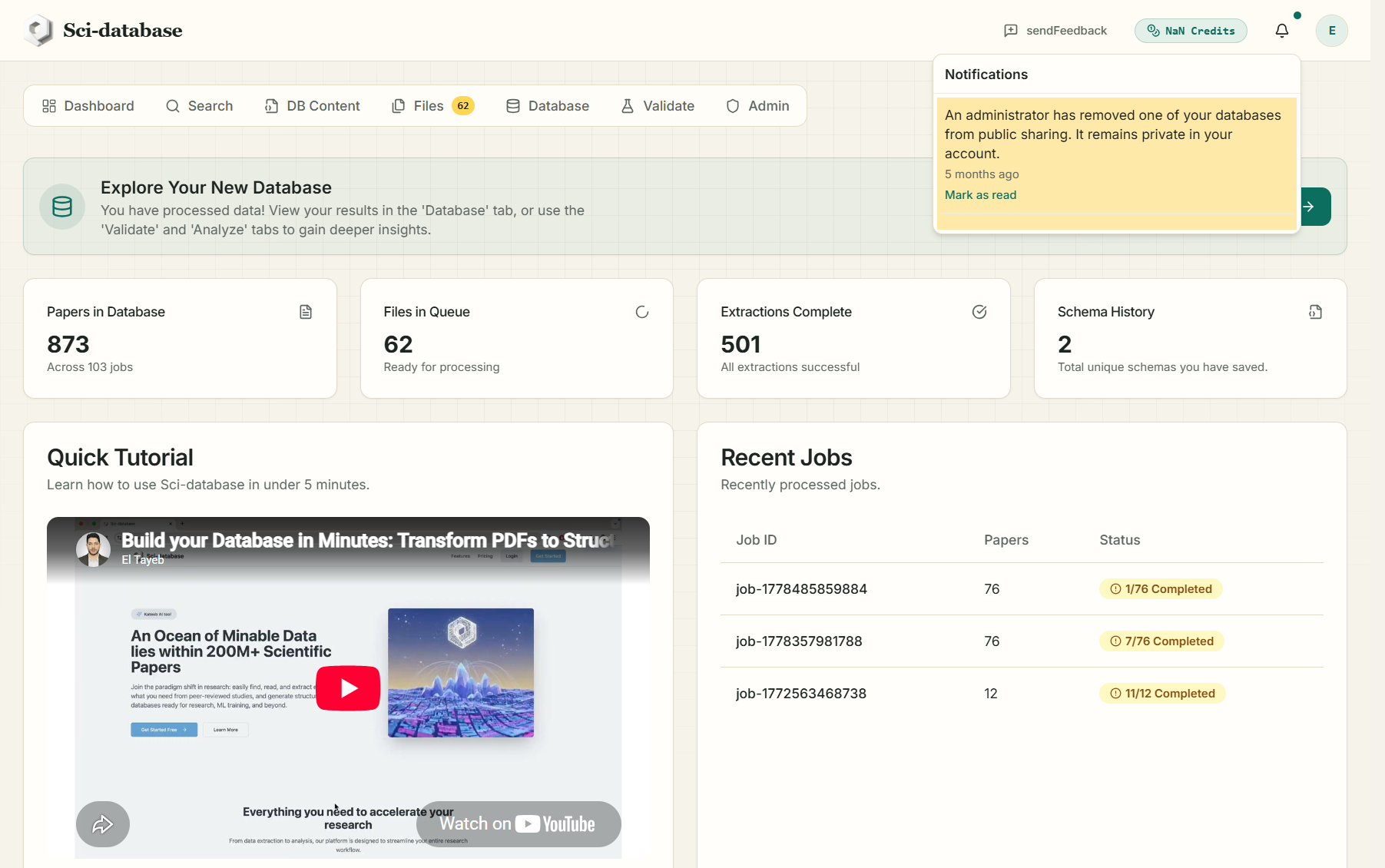
- Request Database — if the schema's owner has a private database built on it, this sends them an in-app request ("User … is interested in your database"). The owner gets Approve / Reject buttons in their notifications; approving makes the database public and notifies you by email.
Sharing your database
On any completed job in the Database tab, click Share…:
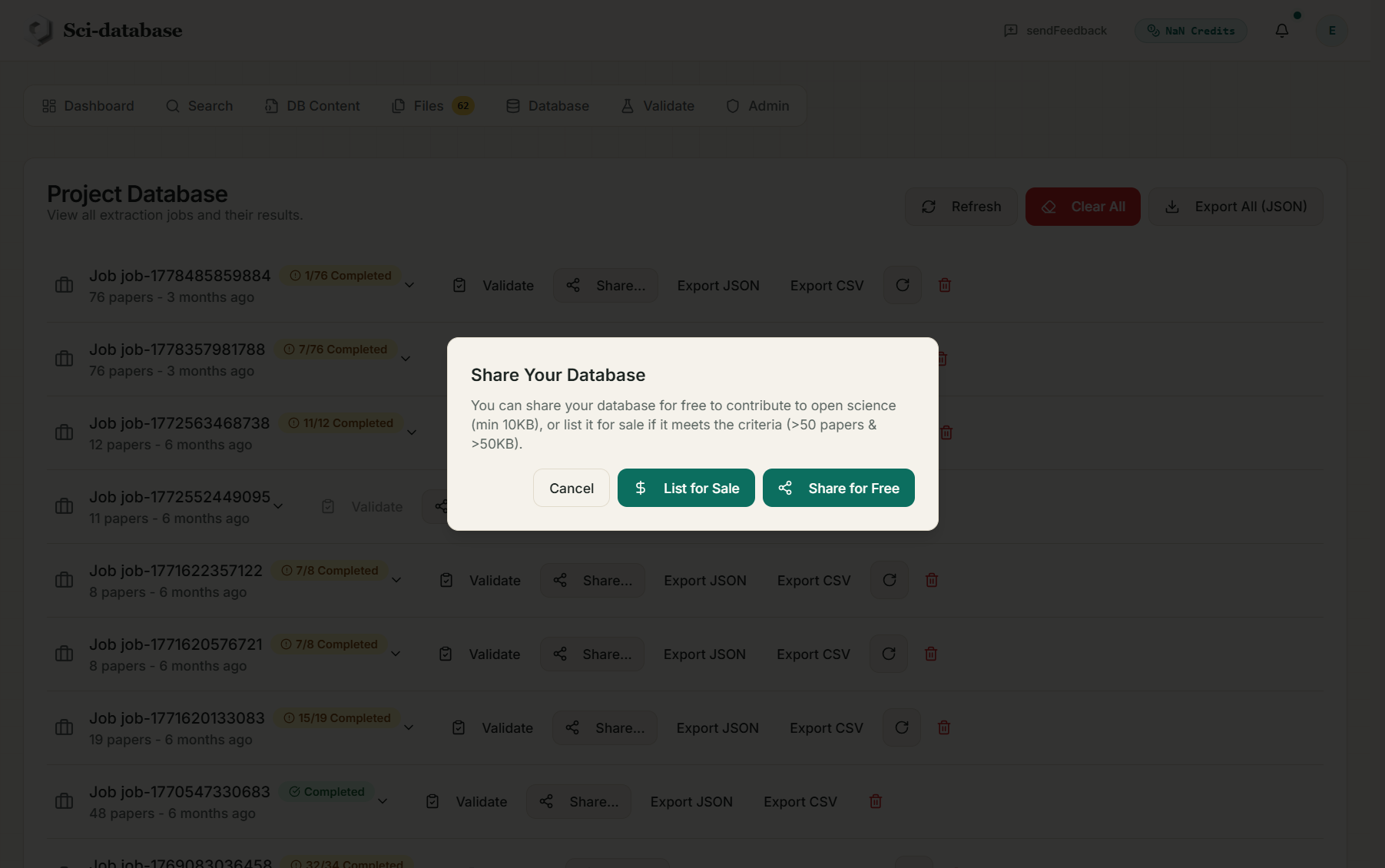
| Option | Requirements | Effect |
|---|---|---|
| Share for Free | ≥ 10 KB of extracted data | Your database appears on the schema's public page as a "Publicly Shared Database" — any logged-in researcher can download it as CSV. Open-science contribution |
| List for Sale | > 50 papers with data and > 50 KB | Your database is flagged as a premium "golden" database on the schema's public page with a Buy Now price (larger, curated databases command higher prices) |
| Unshare | — | Makes the database private again at any time |
What's shared is the extracted data for that job — never your PDFs, and never your other jobs. Purchases of premium databases are currently arranged through the team (contact ebentria@hbku.edu.qa); free shared databases are downloadable immediately.
Earn credits by sharing the platform
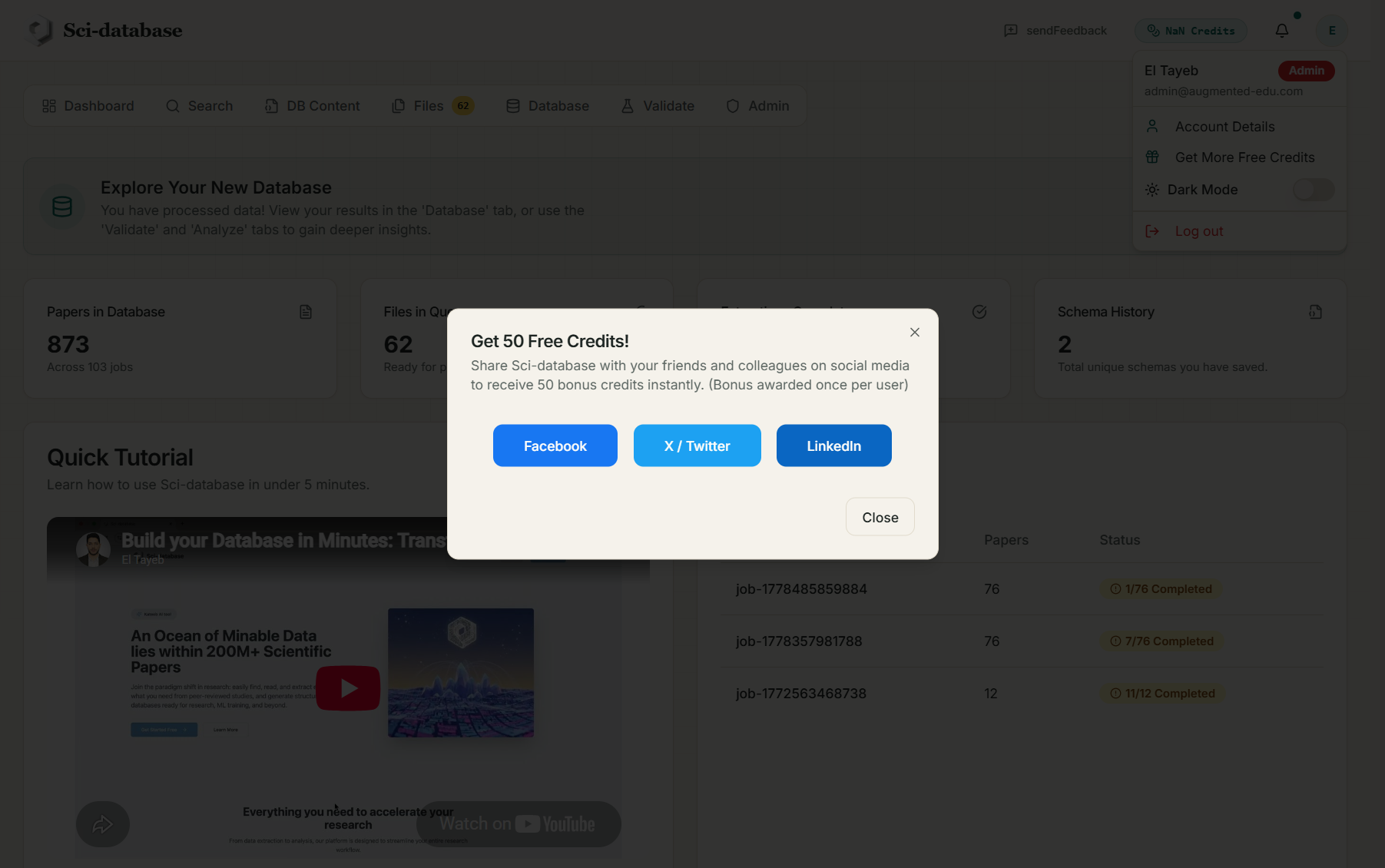
In the avatar menu, Get More Free Credits opens the referral dialog: share Sci-database on Facebook, X/Twitter, or LinkedIn and receive +50 credits (once per account).
Next: Credits & pricing →